
Scenes Pro
Save the source, the graphics and the sound of each moment, and put them on air with a tap. Up to 12 scenes, with a full‑screen image for “Be right back”.
 Live Stream Layer by Insaze Media
Stream from your Android to YouTube, Facebook and other platforms, with lower thirds, tickers, scoreboards and sponsors drawn into the video. No computer, no OBS.
Live Stream Layer turns an Android phone into a complete mobile broadcast unit for your social media: camera, graphics, sponsors and streaming in one app. No computer, no OBS.
Live graphics
Graphics are drawn into the video, so they look the same on YouTube, on Facebook or on your own server. Turn them on and off with a tap, even mid‑stream.
Try it: this is how graphics go on and off in the app’s studio.
Colors, five typefaces, caps, corners and margins. Save your designs as presets and change only the text.
Move and resize your logo, and add your own watermark over the video.
The studio preview shows the graphics with the same animations your audience gets.
Templates Advance
Each template dresses the lower third, the ticker and the badge so they match. It changes the look and keeps your text, and on‑air words like LIVE or BREAKING NEWS follow the phone’s language.
Evening news
News
Breaking
News
Morning show
News
Late edition
News
Stadium
Sports
Match day
Sports
Festival
Events
On stage
Events
Service
Faith
Sunday
Faith
Corporate
Business
Markets
Business
Sports scoreboard Pro
Six scoreboards with each sport’s rules built in. Run the game from the studio while you stream, with a button that only shows up when you’re on air.
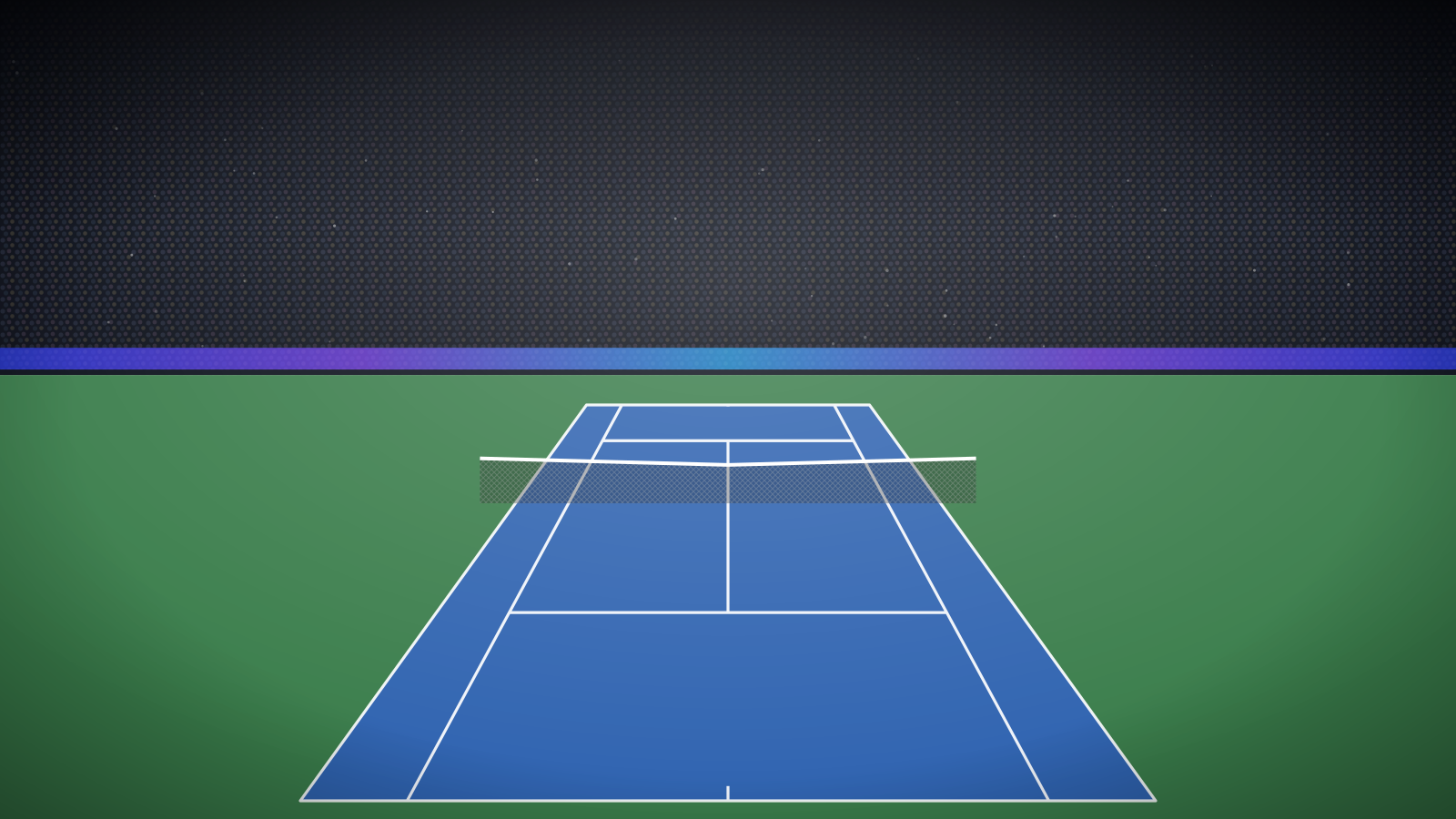
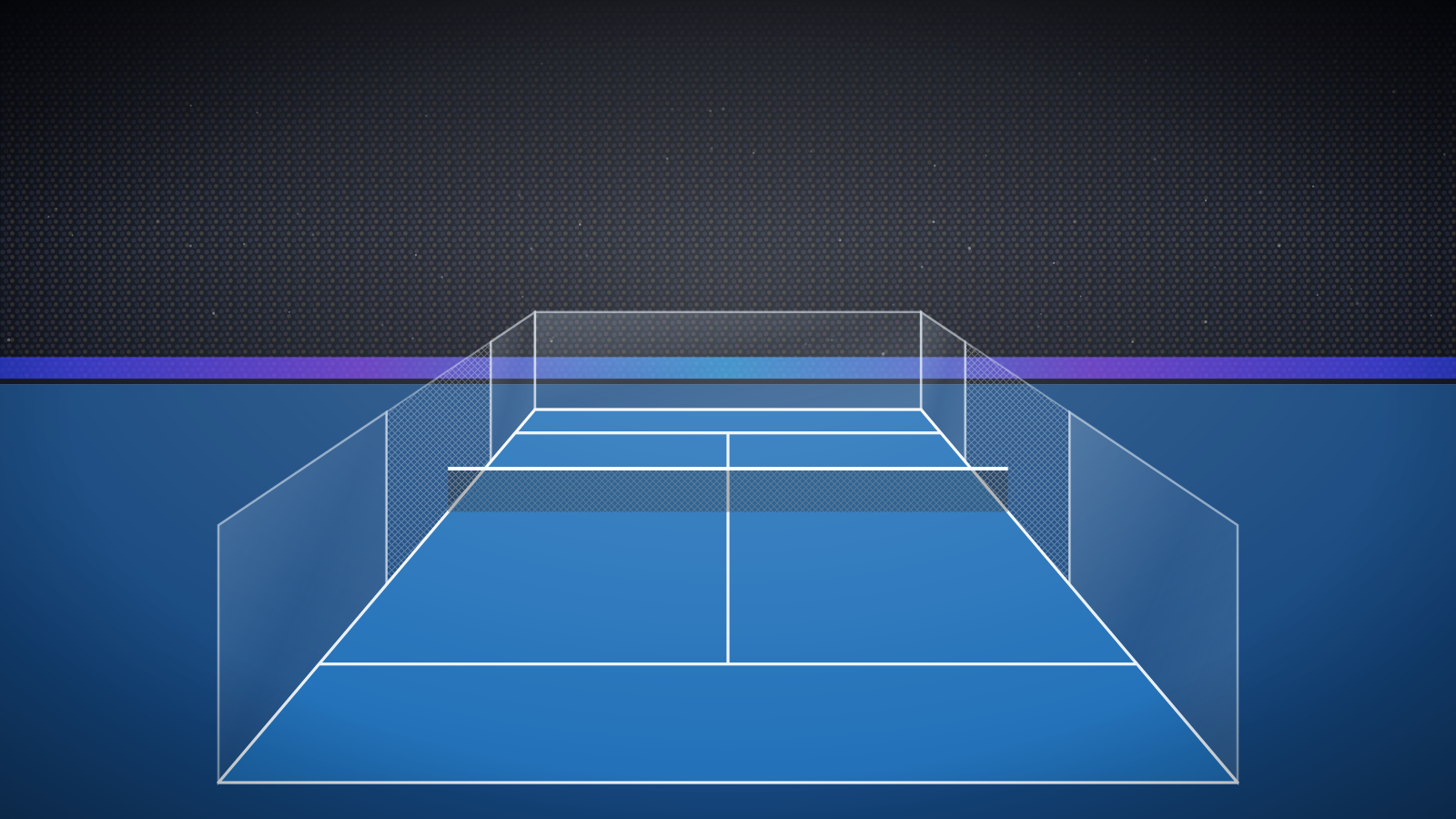
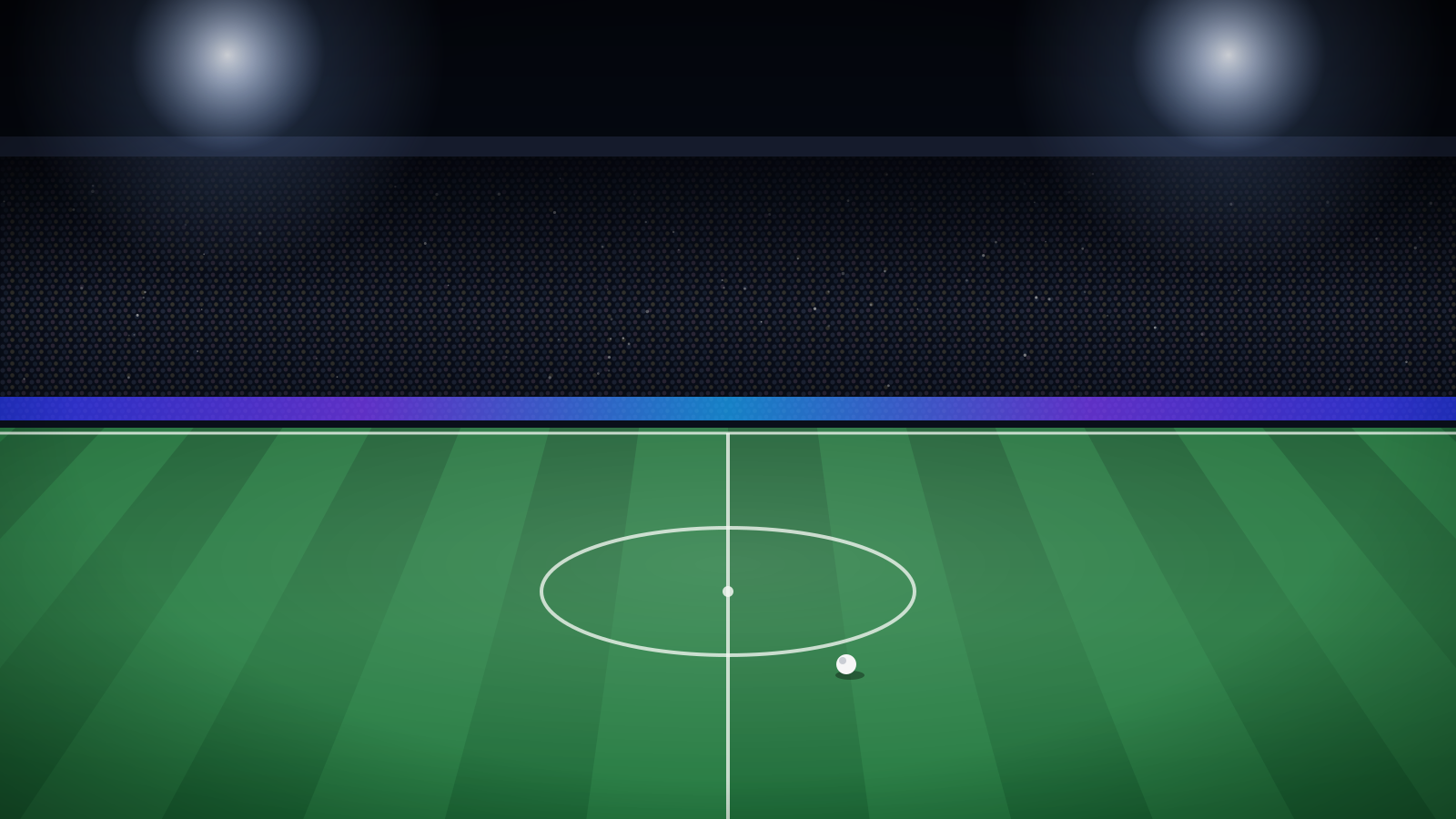
Soccer. Two 45‑minute halves plus extra time. The clock follows the match: the second half starts at 45:00.
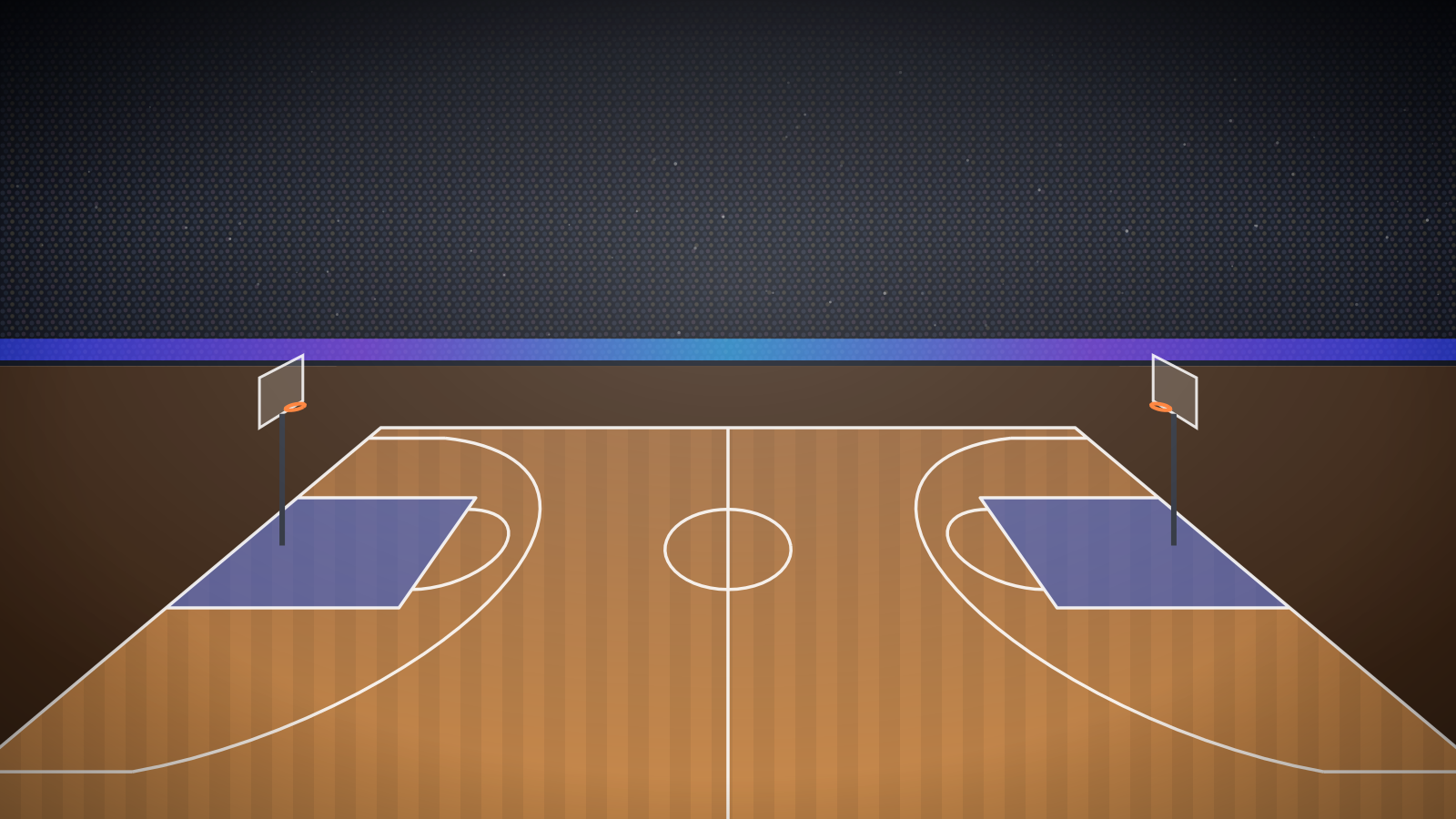
Basketball. Four 10‑minute quarters with a countdown clock, 1, 2 and 3‑point baskets, and each team’s fouls per quarter.
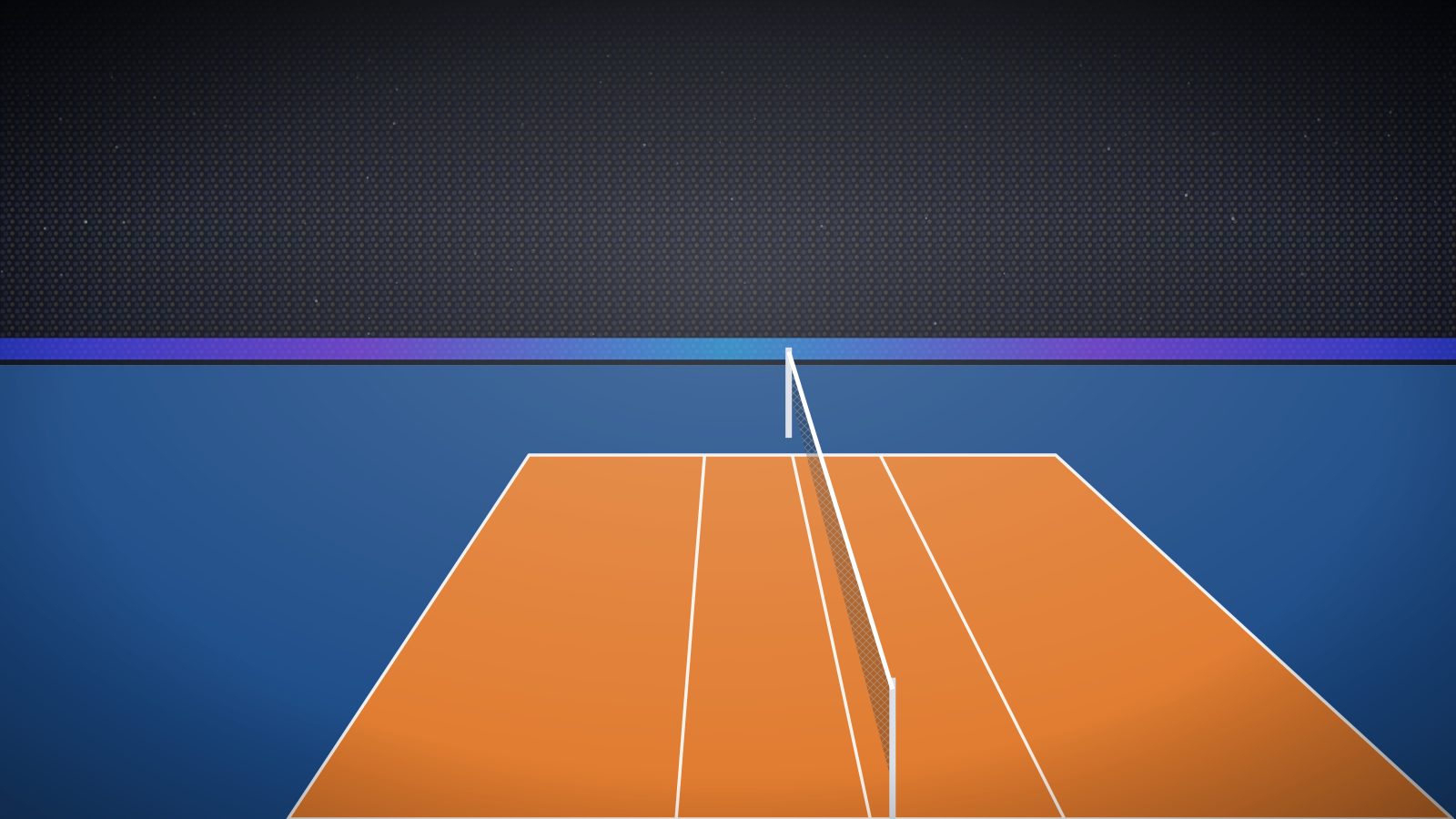
Volleyball. Best of five sets, to 25 points by two, the fifth to 15. Whoever won the last point serves.
Tennis. Best of three sets, with advantage and a tie‑break to 7. The serve switches every game and, in the tie‑break, every two points.
Padel. Like tennis, with golden point: at 40‑40, the next point wins the game.
Generic. Points and periods for any other sport, tournament or contest.
It keeps counting with the app in the background, even if you close it and open it again.
Undo the last 100 changes with a tap, and fix any number by hand.
Change the length of halves, sets or points for your league, and the look of the scoreboard.
Sponsors Pro
A logo in a corner with “Presented by”, a banner at the top or bottom, or a full‑screen image. Sell spots in your stream and let the app put them on air for you.
Each sponsor shows for 10 to 60 seconds and comes back after a break, or stays on.
Several sponsors taking turns, each one only on its campaign days.
How many times and for how long each one was on air. Share it with your client in a tap.
The studio
Scenes, text that updates itself and clean transitions. All designed to work with your thumb, while you stream.
Save the source, the graphics and the sound of each moment, and put them on air with a tap. Up to 12 scenes, with a full‑screen image for “Be right back”.
If a remote feed or the USB camera drops, another scene takes over and the stream keeps going.
The time, the date, a stopwatch or a countdown over the video, with your own text in front.
When you switch sources, your audience sees the last picture blurred while the new one comes in.
YouTube and Facebook come ready: paste your key and go live. Up to eight destinations of each type.
Check a message without stopping the stream, and stop or resume it from the notification.
Save your stream as MP4 or TS to edit or upload later.
The app uses your phone’s language, including the templates’ on‑air words.
Connection
Adaptive bitrate, automatic reconnection and bonding: combine Wi‑Fi, mobile data and other phones so your signal holds where others drop.
Sources
Start with the phone’s cameras and add whatever you have at hand. When you switch between them, your graphics stay on air.
Back and front, with zoom, manual focus, exposure, white balance and flashlight.
Plug in a USB camera or an HDMI capture card and use your professional camera.
Receive the picture from another phone, a drone or a PC running OBS, and stream it with your graphics.
Stream a presentation, an app or a game just as it looks on your screen.
The phone’s own, a USB or wired one, or a Bluetooth one, with a level meter.
The Bluetooth microphone is part of the Advance plan. A USB or wired microphone works on every plan.
Start free today. Move to Pro or Advance when your stream needs it, without reinstalling anything.
To try the app and go live today.
US$0
Start freeFor creators and media who stream every week.
US$9.99 per month
Choose ProFor media, churches and production companies that live on their signal.
US$14.99 per month
Choose AdvanceEverything in Pro, plus:
Prices in US dollars. The plan is activated with a license code in Settings › Plan. Works on Android 7.0 or later.
No. The graphics are drawn on the phone, inside the video, and the app streams straight to your platform. All you need is your Android and an internet connection.
Any service or server that takes RTMP or SRT. YouTube and Facebook come ready: just paste your stream key. For Instagram, TikTok, Twitch, Kick, X, Vimeo, Telegram and others, paste the server and key each platform gives you (some only give them to certain accounts). You can save up to eight destinations of each type.
A phone with Android 7.0 or later. The top quality depends on each model’s camera and encoder: on a Redmi Note 13 Pro+, for example, it streams 1080p at 30 frames per second.
The app reconnects by itself and goes back on air, and shows you the reason and a countdown. With bonding (Pro plan) it combines Wi‑Fi, mobile data and other phones, so a failing connection doesn’t cut the stream.
Yes. The Free plan allows streams of up to 20 minutes, with the app’s watermark inside the video. When you want more, you activate your plan without reinstalling anything.
We send you a license code. You type it in Settings › Plan and the app unlocks right away. The license stays active for up to seven days even if the phone can’t check it online.
Each license says how many phones it can activate. If you’ll stream with several, tell us when you order it and we’ll set it up for you.
Live Stream Layer is delivered directly, not through a store. Message us and we’ll send you the app with your license code.
English and Spanish. The app follows the phone’s language, and the templates write their on‑air words, like LIVE or BREAKING NEWS, in that language.
Message us and we’ll send you the app with your license code. Start free and choose your plan when you’re ready.